Download this guide with its diagrams as a PDF.इस गाइड को चित्रों सहित PDF में डाउनलोड करें।
What it isयह क्या है
Your digital footprint is the trail of information about you online: posts, photos, comments, app data, location, and the information websites collect. Scammers and stalkers can combine small pieces to impersonate you or target you.
आपका डिजिटल फ़ुटप्रिंट ऑनलाइन आपकी जानकारी का वह निशान है: पोस्ट, फ़ोटो, कमेंट, ऐप डेटा, लोकेशन और वेबसाइट द्वारा जुटाई गई जानकारी। ठग और पीछा करने वाले छोटी-छोटी जानकारी जोड़कर आपकी नकल कर सकते हैं या आपको निशाना बना सकते हैं।
-
You use apps, websites and social mediaआप ऐप, वेबसाइट और सोशल मीडिया इस्तेमाल करते हैंStop hereयहीं रोकें: Think before you post. Posts are hard to take back.पोस्ट करने से पहले सोचें। पोस्ट वापस लेना मुश्किल होता है।
-
Data is collected: location, contacts, photos, searchesडेटा इकट्ठा होता है: लोकेशन, कॉन्टैक्ट्स, फ़ोटो, सर्चStop hereयहीं रोकें: Review app permissions: location, contacts, camera.ऐप की अनुमतियाँ जाँचें: लोकेशन, कॉन्टैक्ट्स, कैमरा।
-
It is shared, leaked or visible to the publicवह साझा होता है, लीक होता है या सबको दिखता हैStop hereयहीं रोकें: Tighten privacy settings and delete accounts you no longer use.प्राइवेसी सेटिंग कड़ी करें और जो खाते इस्तेमाल नहीं करते उन्हें हटाएँ।
-
Scammers use it to profile and target youठग उससे आपकी प्रोफ़ाइल बनाकर आपको निशाना बनाते हैं
-
Identity theft, stalking or a very convincing scamपहचान की चोरी, पीछा करना या बहुत विश्वसनीय लगने वाली ठगीStop hereयहीं रोकें: Search your own name now and then to see what is public.समय-समय पर अपना नाम सर्च करके देखें कि क्या सार्वजनिक है।
Common warning signsआम चेतावनी के संकेत
- Apps ask for permissions they do not need, such as contacts or location for a simple tool.
- Public profiles show your phone number, address, school or workplace, or daily routine.
- You often share photos of documents, tickets or cards online.
- Old accounts you no longer use are still active.
- Strangers know personal details about you before you tell them.
- ऐप ऐसी अनुमतियाँ माँगें जिनकी ज़रूरत नहीं, जैसे साधारण टूल के लिए कॉन्टैक्ट या लोकेशन।
- सार्वजनिक प्रोफ़ाइल पर फ़ोन नंबर, पता, स्कूल/कार्यस्थल या रोज़ की दिनचर्या दिखना।
- दस्तावेज़ों, टिकट या कार्ड की फ़ोटो अक्सर ऑनलाइन साझा करना।
- पुराने अकाउंट जो आप इस्तेमाल नहीं करते, अब भी चालू हैं।
- अजनबी आपकी निजी जानकारी जानते हैं, जबकि आपने बताई नहीं।
Practical prevention tipsबचाव के व्यावहारिक सुझाव
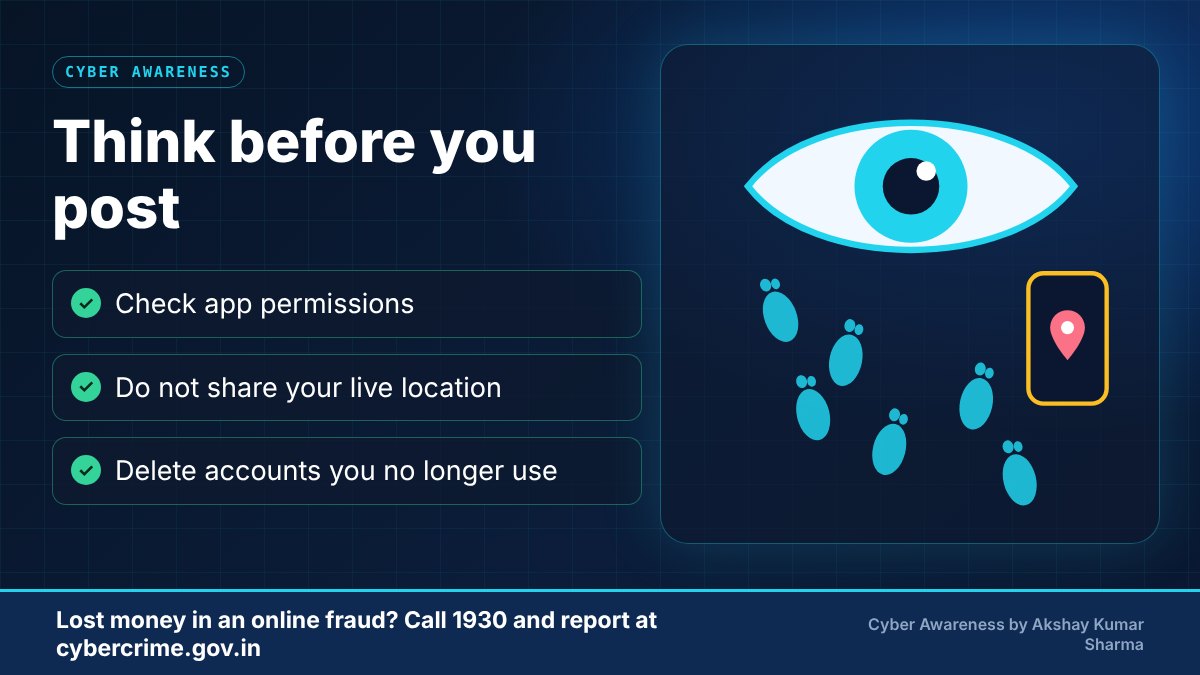
- Review app permissions and remove those that are not needed.
- Set social profiles to the most private setting you are comfortable with.
- Do not post ID documents, boarding passes, tickets or live location.
- Delete accounts and apps you no longer use.
- Think before you post: once something is shared, you cannot fully control where it goes.
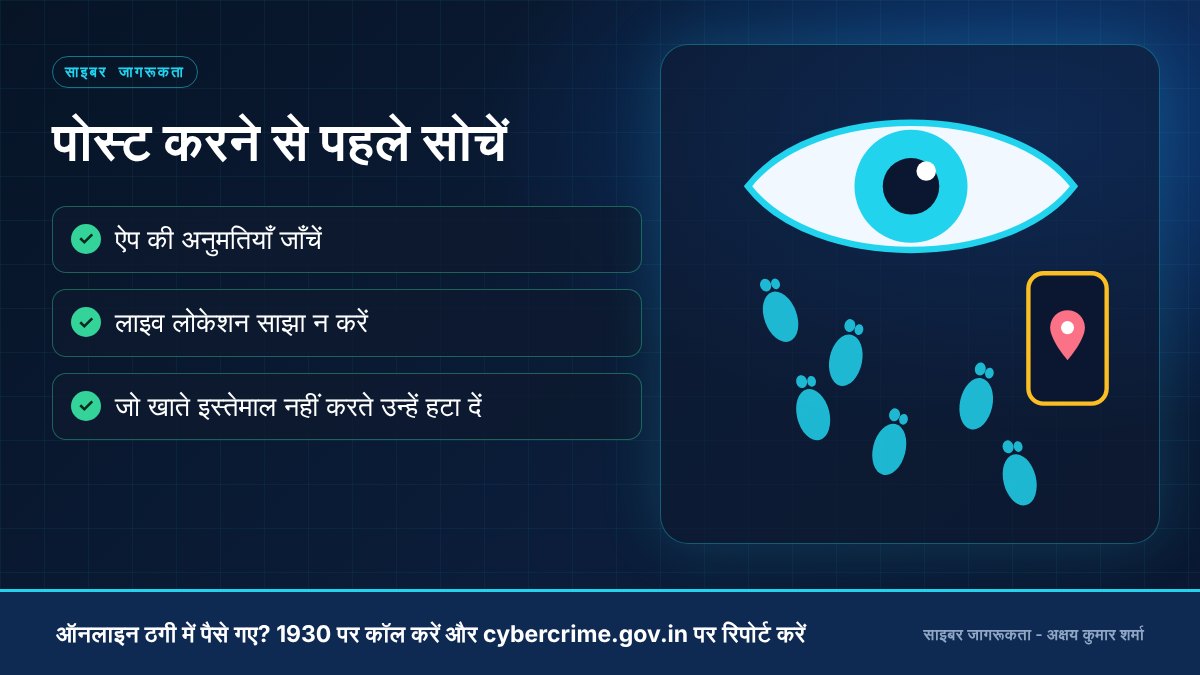
- ऐप की अनुमतियाँ जाँचें और गैर-ज़रूरी हटा दें।
- सोशल प्रोफ़ाइल को अपनी सहूलियत के अनुसार सबसे निजी सेटिंग पर रखें।
- ID दस्तावेज़, बोर्डिंग पास, टिकट या लाइव लोकेशन पोस्ट न करें।
- जो अकाउंट और ऐप अब इस्तेमाल नहीं करते, उन्हें हटा दें।
- पोस्ट करने से पहले सोचें: एक बार साझा होने के बाद वह कहाँ जाएगा, इस पर पूरा नियंत्रण नहीं रहता।
-
Give every app every permissionहर ऐप को हर अनुमति देनाAllow only what the app really needsसिर्फ़ वही अनुमति देना जो ऐप को सच में चाहिए
-
Post your live location and travel plansलाइव लोकेशन और यात्रा की योजना पोस्ट करनाShare later and only with close peopleबाद में और सिर्फ़ करीबी लोगों से साझा करना
-
Use public Wi-Fi for bankingबैंकिंग के लिए सार्वजनिक Wi-Fi इस्तेमाल करनाUse mobile data or a network you trustमोबाइल डेटा या भरोसेमंद नेटवर्क इस्तेमाल करना
-
Send photos of ID documents casuallyपहचान पत्रों की फ़ोटो यूँ ही भेज देनाShare only when needed, and only with a trusted partyसिर्फ़ ज़रूरत पर और भरोसेमंद पक्ष को ही देना
What to do if it happensऐसा हो जाए तो क्या करें
- Remove or hide the post or information and ask the site or platform to take it down if needed.
- Tighten privacy settings and change passwords if personal details were used to guess them.
- If someone is misusing your information or harassing you, keep evidence and report on cybercrime.gov.in.
- पोस्ट या जानकारी हटाएँ या छिपाएँ और ज़रूरत हो तो साइट/प्लेटफ़ॉर्म से उसे हटवाने का अनुरोध करें।
- प्राइवेसी सेटिंग कड़ी करें और यदि निजी जानकारी से पासवर्ड का अंदाज़ा लग सकता है तो पासवर्ड बदलें।
- यदि कोई आपकी जानकारी का दुरुपयोग या उत्पीड़न कर रहा है, तो सबूत सुरक्षित रखें और cybercrime.gov.in पर रिपोर्ट करें।
Official reporting resourcesआधिकारिक रिपोर्टिंग संसाधन
- CERT-In (Indian Computer Emergency Response Team)CERT-In (भारतीय कंप्यूटर आपातकालीन प्रतिक्रिया दल) (opens in a new tab)
- National Cyber Crime Reporting Portal (cybercrime.gov.in)राष्ट्रीय साइबर अपराध रिपोर्टिंग पोर्टल (cybercrime.gov.in) (opens in a new tab)
Related educational articlesसंबंधित शैक्षिक लेख
Social Media Securityसोशल मीडिया सुरक्षा
Read guideगाइड पढ़ेंPassword and Account Securityपासवर्ड और अकाउंट सुरक्षा
Read guideगाइड पढ़ेंCyber Safety for Students and Familiesविद्यार्थियों और परिवारों के लिए साइबर सुरक्षा
Read guideगाइड पढ़ेंThis website is an educational resource. It is not an official government reporting portal or an emergency response service. If you are a victim of cyber fraud, report it through the official channels listed on each page.यह वेबसाइट केवल शैक्षिक जानकारी के लिए है। यह कोई सरकारी रिपोर्टिंग पोर्टल या आपातकालीन सेवा नहीं है। यदि आप साइबर ठगी का शिकार हुए हैं, तो हर पेज पर दिए गए आधिकारिक माध्यमों से रिपोर्ट करें।