Download this guide with its diagrams as a PDF.इस गाइड को चित्रों सहित PDF में डाउनलोड करें।
What it isयह क्या है
Social media accounts hold your identity, photos and contacts. Attackers hijack accounts to scam your friends, create fake profiles using your photos, or use what you post to guess passwords and security answers.
सोशल मीडिया अकाउंट में आपकी पहचान, फ़ोटो और संपर्क होते हैं। हमलावर अकाउंट हैक करके आपके दोस्तों को ठगते हैं, आपकी फ़ोटो से नकली प्रोफ़ाइल बनाते हैं, या आपकी पोस्ट से पासवर्ड और सिक्योरिटी जवाब का अंदाज़ा लगाते हैं।
-
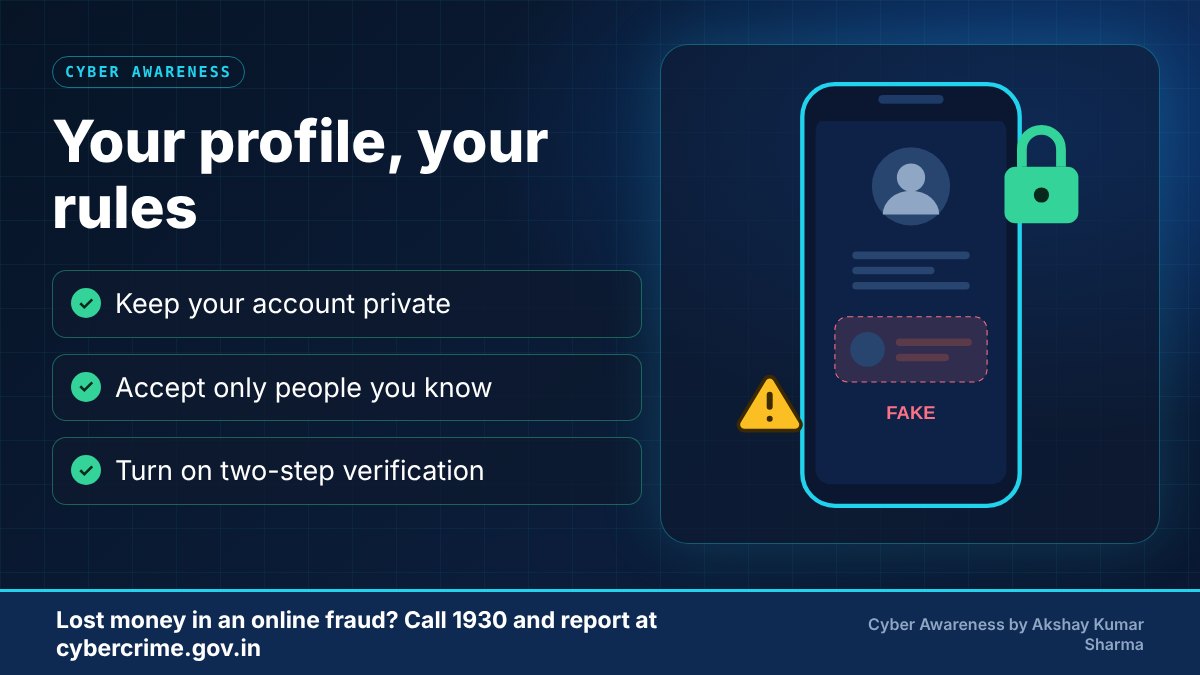
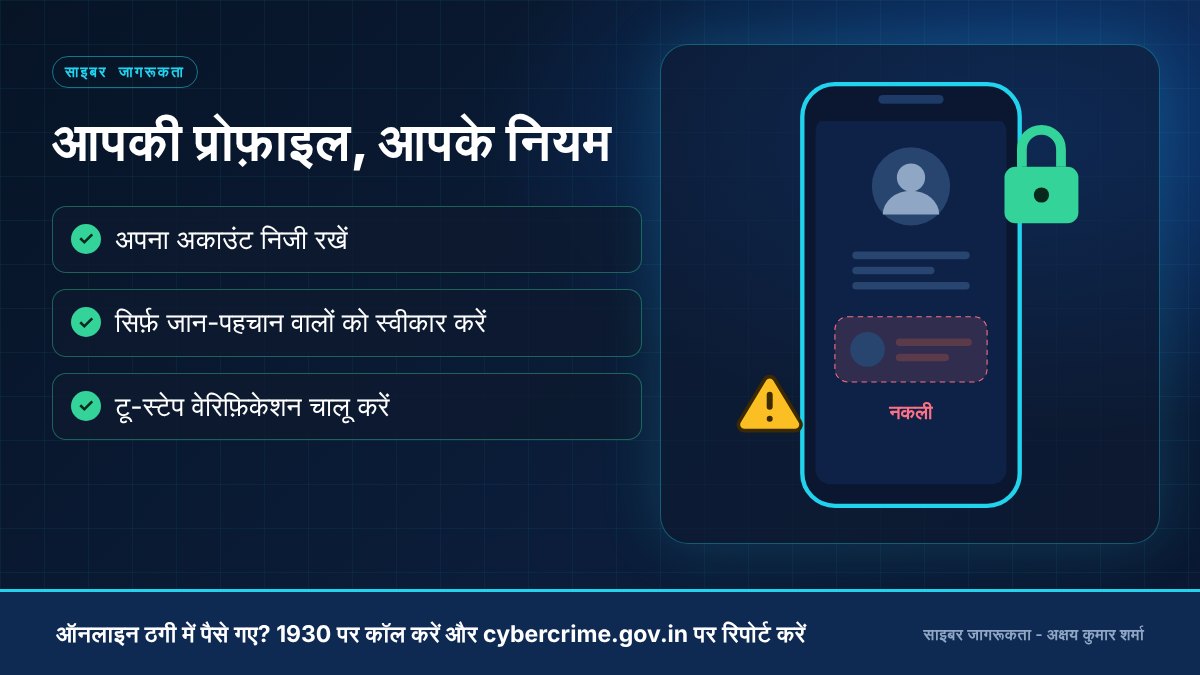
You post personal details and photos publiclyआप निजी जानकारी और फ़ोटो सार्वजनिक रूप से डालते हैंStop hereयहीं रोकें: Share less and keep your profile private.कम साझा करें और प्रोफ़ाइल निजी रखें।
-
An attacker studies your profileकोई ठग आपकी प्रोफ़ाइल का अध्ययन करता है
-
A fake friend request, a copy of your profile or a phishing message arrivesनकली फ़्रेंड रिक्वेस्ट, आपकी प्रोफ़ाइल की नक़ल या फ़िशिंग संदेश आता हैStop hereयहीं रोकें: Accept only people you know. Verify unusual requests by calling.सिर्फ़ जान-पहचान वालों को स्वीकार करें। अजीब अनुरोध की कॉल करके पुष्टि करें।
-
You are tricked or your account is hackedआप धोखे में आ जाते हैं या आपका अकाउंट हैक हो जाता हैStop hereयहीं रोकें: Turn on two-step verification now.टू-स्टेप वेरिफ़िकेशन अभी चालू करें।
-
Your friends receive scam messages from youआपके दोस्तों को आपके नाम से ठगी के संदेश जाते हैं
Common warning signsआम चेतावनी के संकेत
- Login alerts or password-reset emails you did not request.
- Friends receive odd messages from your account, such as requests for money.
- A friend request or message from someone who copies a person you already know.
- Messages with links that promise free followers, prizes or 'see who viewed your profile'.
- Unknown devices appearing in your account's login history.
- ऐसे लॉगिन अलर्ट या पासवर्ड-रीसेट ईमेल जो आपने नहीं माँगे।
- दोस्तों को आपके अकाउंट से अजीब संदेश मिलना, जैसे पैसे की माँग।
- किसी परिचित की नकल करने वाला फ़्रेंड रिक्वेस्ट या संदेश।
- मुफ़्त फ़ॉलोअर, इनाम या 'आपकी प्रोफ़ाइल किसने देखी' जैसे लिंक वाले संदेश।
- लॉगिन इतिहास में अनजान डिवाइस दिखना।
Practical prevention tipsबचाव के व्यावहारिक सुझाव
- Use a strong, unique password and turn on two-factor authentication.
- Review privacy settings regularly and limit who can see your personal details.
- Do not accept requests from strangers or log in through links sent in messages.
- Be careful with third-party apps that ask for access to your account.
- Avoid posting information that doubles as a security answer, like birthdays or pet names.
- मज़बूत और अलग पासवर्ड रखें तथा टू-फ़ैक्टर ऑथेंटिकेशन चालू करें।
- प्राइवेसी सेटिंग समय-समय पर जाँचें और तय करें कि आपकी जानकारी कौन देख सकता है।
- अजनबियों की रिक्वेस्ट स्वीकार न करें और संदेश में आए लिंक से लॉगिन न करें।
- आपके अकाउंट का एक्सेस माँगने वाले थर्ड-पार्टी ऐप से सावधान रहें।
- जन्मतिथि या पालतू का नाम जैसी जानकारी, जो सिक्योरिटी जवाब हो सकती है, पोस्ट करने से बचें।
-
Public profile with phone number, address and birthdayफ़ोन नंबर, पता और जन्मदिन वाली सार्वजनिक प्रोफ़ाइलPrivate profile with minimal personal detailsकम निजी जानकारी वाली निजी प्रोफ़ाइल
-
Accept every friend requestहर फ़्रेंड रिक्वेस्ट स्वीकार करनाAccept people you know and check mutual friendsजान-पहचान वालों को स्वीकार करना और म्यूचुअल फ़्रेंड्स जाँचना
-
Click links in messages, even from friendsदोस्तों के भी संदेशों के लिंक पर क्लिक करनाAsk your friend on a call if the message is genuineदोस्त से कॉल पर पूछना कि संदेश असली है या नहीं
-
Use the same password everywhereहर जगह एक ही पासवर्ड रखनाUse a unique password and two-step verificationअलग पासवर्ड और टू-स्टेप वेरिफ़िकेशन इस्तेमाल करना
What to do if it happensऐसा हो जाए तो क्या करें
- Try to change your password and log out of all devices from the platform's security settings.
- Use the platform's official account-recovery and report options.
- Warn your contacts that your account was compromised.
- Report impersonation, harassment or fraud on the platform and, where needed, at cybercrime.gov.in.
- प्लेटफ़ॉर्म की सिक्योरिटी सेटिंग से पासवर्ड बदलें और सभी डिवाइस से लॉग आउट करें।
- प्लेटफ़ॉर्म के आधिकारिक अकाउंट रिकवरी और रिपोर्ट विकल्प इस्तेमाल करें।
- अपने संपर्कों को बताएँ कि आपका अकाउंट हैक हुआ था।
- नकली प्रोफ़ाइल, उत्पीड़न या ठगी की रिपोर्ट प्लेटफ़ॉर्म पर और ज़रूरत हो तो cybercrime.gov.in पर करें।
Official reporting resourcesआधिकारिक रिपोर्टिंग संसाधन
- National Cyber Crime Reporting Portal (cybercrime.gov.in)राष्ट्रीय साइबर अपराध रिपोर्टिंग पोर्टल (cybercrime.gov.in) (opens in a new tab)
- CERT-In (Indian Computer Emergency Response Team)CERT-In (भारतीय कंप्यूटर आपातकालीन प्रतिक्रिया दल) (opens in a new tab)
Related educational articlesसंबंधित शैक्षिक लेख
Digital Footprint and Privacyडिजिटल फ़ुटप्रिंट और प्राइवेसी
Read guideगाइड पढ़ेंPassword and Account Securityपासवर्ड और अकाउंट सुरक्षा
Read guideगाइड पढ़ेंAI-Based ScamsAI आधारित ठगी
Read guideगाइड पढ़ेंThis website is an educational resource. It is not an official government reporting portal or an emergency response service. If you are a victim of cyber fraud, report it through the official channels listed on each page.यह वेबसाइट केवल शैक्षिक जानकारी के लिए है। यह कोई सरकारी रिपोर्टिंग पोर्टल या आपातकालीन सेवा नहीं है। यदि आप साइबर ठगी का शिकार हुए हैं, तो हर पेज पर दिए गए आधिकारिक माध्यमों से रिपोर्ट करें।