Download this guide with its diagrams as a PDF.इस गाइड को चित्रों सहित PDF में डाउनलोड करें।
What it isयह क्या है
A strong password is only one layer. The biggest risks are reusing the same password across sites and falling for phishing. When one website leaks passwords, attackers try the same combination on your email, banking and social accounts.
मज़बूत पासवर्ड सुरक्षा की सिर्फ़ एक परत है। सबसे बड़े खतरे हैं - हर जगह एक ही पासवर्ड रखना और फ़िशिंग में फँसना। जब कोई वेबसाइट पासवर्ड लीक करती है, तो हमलावर वही संयोजन आपके ईमेल, बैंकिंग और सोशल अकाउंट पर आज़माते हैं।
-
You use the same weak password on many sitesआप कई साइटों पर एक ही कमज़ोर पासवर्ड रखते हैंStop hereयहीं रोकें: Use a long, unique password for every account. A password manager helps.हर खाते के लिए लंबा, अलग पासवर्ड रखें। पासवर्ड मैनेजर मदद करता है।
-
One of those sites gets breachedउनमें से एक साइट का डेटा लीक हो जाता हैStop hereयहीं रोकें: Check whether your email appeared in a breach and change those passwords.जाँचें कि आपका ईमेल किसी लीक में आया या नहीं, और वे पासवर्ड बदलें।
-
Attackers try the leaked password on your other accountsठग लीक हुआ पासवर्ड आपके दूसरे खातों पर आज़माते हैंStop hereयहीं रोकें: Two-step verification blocks the attacker even with the password.टू-स्टेप वेरिफ़िकेशन पासवर्ड मिलने पर भी ठग को रोकता है।
-
Your email or bank account is taken overआपका ईमेल या बैंक खाता कब्ज़े में आ जाता हैStop hereयहीं रोकें: Secure your email first. It can reset everything else.सबसे पहले ईमेल सुरक्षित करें। इससे बाकी सब रीसेट हो सकता है।
-
Money, data and contacts are misusedपैसे, डेटा और कॉन्टैक्ट्स का दुरुपयोग होता है
Common warning signsआम चेतावनी के संकेत
- You use the same or a similar password on several websites.
- Your password is short, a name, a date, or a common word.
- You receive security alerts about logins from places or devices you do not recognise.
- Your email or phone number appears in a known data breach.
- You have never turned on two-factor authentication for email or banking.
- कई वेबसाइट पर एक जैसा पासवर्ड इस्तेमाल करना।
- पासवर्ड छोटा है, कोई नाम, तारीख या आम शब्द है।
- अनजान जगह या डिवाइस से लॉगिन के सिक्योरिटी अलर्ट मिलना।
- आपका ईमेल या फ़ोन नंबर किसी ज्ञात डेटा लीक में दिखना।
- ईमेल या बैंकिंग पर कभी टू-फ़ैक्टर ऑथेंटिकेशन चालू न किया हो।
Practical prevention tipsबचाव के व्यावहारिक सुझाव
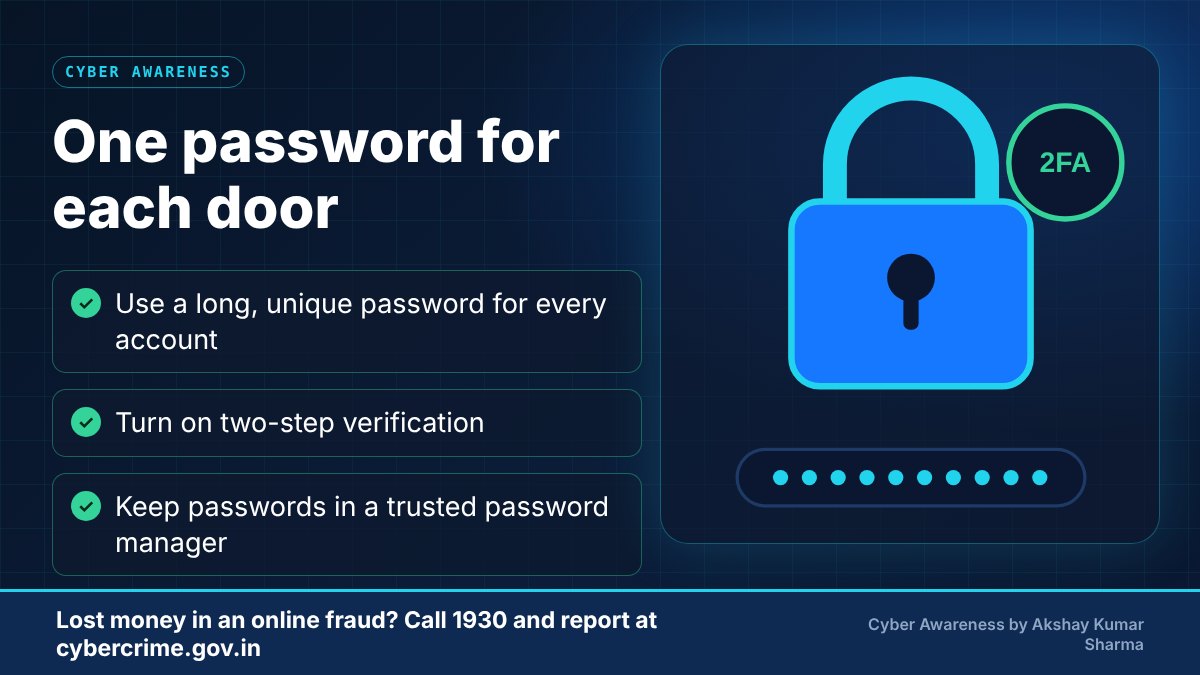
- Use a long passphrase (several unrelated words) or a password manager to create and store unique passwords.
- Never reuse passwords, especially for email, which can reset your other accounts.
- Turn on two-factor authentication, preferably with an authenticator app rather than SMS where possible.
- Keep recovery email and phone number up to date.
- Do not store passwords in plain notes or share them over chat.
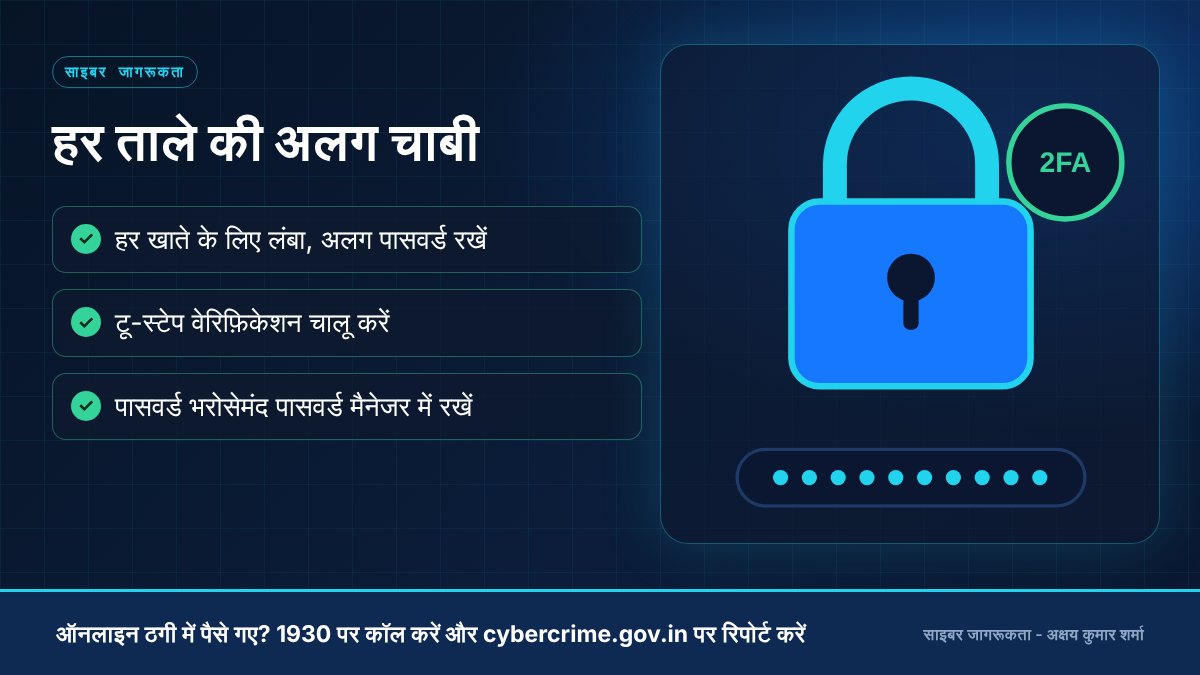
- लंबा पासफ़्रेज़ (कई असंबंधित शब्द) रखें या पासवर्ड मैनेजर से अलग-अलग पासवर्ड बनाएँ और सुरक्षित रखें।
- पासवर्ड दोबारा इस्तेमाल न करें, ख़ासकर ईमेल के लिए, क्योंकि उससे आपके बाकी अकाउंट रीसेट हो सकते हैं।
- टू-फ़ैक्टर ऑथेंटिकेशन चालू करें, संभव हो तो SMS की जगह ऑथेंटिकेटर ऐप से।
- रिकवरी ईमेल और फ़ोन नंबर अपडेट रखें।
- पासवर्ड साधारण नोट में न लिखें और चैट में साझा न करें।
-
Use 'password123' or your birth date'password123' या जन्मतिथि रखनाUse a long passphrase of random wordsबेतरतीब शब्दों का लंबा पासफ़्रेज़ रखना
-
Reuse one password on every siteहर साइट पर एक ही पासवर्ड रखनाUse a different password for each accountहर खाते के लिए अलग पासवर्ड रखना
-
Skip two-step verificationटू-स्टेप वेरिफ़िकेशन छोड़ देनाTurn it on, preferably with an authenticator appइसे चालू करना, बेहतर है ऑथेंटिकेटर ऐप के साथ
-
Keep passwords in notes or chat appsपासवर्ड नोट्स या चैट ऐप में रखनाStore them in a trusted password managerभरोसेमंद पासवर्ड मैनेजर में रखना
What to do if it happensऐसा हो जाए तो क्या करें
- Change the password on the affected account at once and on every site where you reused it.
- Log out of all sessions and review connected apps and recovery details.
- Check whether your email appears in a known breach using a trusted checker.
- If money or identity misuse is involved, report at cybercrime.gov.in (and 1930 for financial fraud).
- प्रभावित अकाउंट और जहाँ-जहाँ वही पासवर्ड था, वहाँ तुरंत पासवर्ड बदलें।
- सभी सेशन से लॉग आउट करें और जुड़े हुए ऐप तथा रिकवरी विवरण जाँचें।
- किसी भरोसेमंद चेकर से देखें कि आपका ईमेल किसी डेटा लीक में है या नहीं।
- यदि पैसे या पहचान का दुरुपयोग हुआ है, तो cybercrime.gov.in पर (और वित्तीय ठगी के लिए 1930 पर) रिपोर्ट करें।
Official reporting resourcesआधिकारिक रिपोर्टिंग संसाधन
- CERT-In (Indian Computer Emergency Response Team)CERT-In (भारतीय कंप्यूटर आपातकालीन प्रतिक्रिया दल) (opens in a new tab)
- Have I Been Pwned (third-party breach checker)Have I Been Pwned (तृतीय-पक्ष डेटा लीक जाँच) (opens in a new tab)
Related educational articlesसंबंधित शैक्षिक लेख
Social Media Securityसोशल मीडिया सुरक्षा
Read guideगाइड पढ़ेंPhishing and Fake Websitesफ़िशिंग और नकली वेबसाइट
Read guideगाइड पढ़ेंDigital Footprint and Privacyडिजिटल फ़ुटप्रिंट और प्राइवेसी
Read guideगाइड पढ़ेंThis website is an educational resource. It is not an official government reporting portal or an emergency response service. If you are a victim of cyber fraud, report it through the official channels listed on each page.यह वेबसाइट केवल शैक्षिक जानकारी के लिए है। यह कोई सरकारी रिपोर्टिंग पोर्टल या आपातकालीन सेवा नहीं है। यदि आप साइबर ठगी का शिकार हुए हैं, तो हर पेज पर दिए गए आधिकारिक माध्यमों से रिपोर्ट करें।