Download this guide with its diagrams as a PDF.इस गाइड को चित्रों सहित PDF में डाउनलोड करें।
What it isयह क्या है
Phishing is when an attacker pretends to be a trusted organisation - a bank, a courier, a government office or a company you know - to make you click a link, open a file or enter your details. The link often leads to a fake website that looks almost identical to the real one. Anything you type there goes straight to the attacker.
फ़िशिंग में ठग किसी भरोसेमंद संस्था - जैसे बैंक, कूरियर, सरकारी विभाग या कोई जानी-पहचानी कंपनी - का रूप धरकर आपसे लिंक खुलवाते हैं, फ़ाइल डाउनलोड करवाते हैं या आपकी जानकारी भरवाते हैं। लिंक अक्सर ऐसी नकली वेबसाइट पर ले जाता है जो असली जैसी दिखती है। वहाँ भरी गई हर जानकारी सीधे ठग तक पहुँच जाती है।
-
A fake email or SMS arrivesनकली ईमेल या SMS आता हैStop hereयहीं रोकें: Check the sender. Urgent threats are a warning sign.भेजने वाले को जाँचें। जल्दबाज़ी वाली धमकी चेतावनी का संकेत है।
-
You click the linkआप लिंक पर क्लिक करते हैंStop hereयहीं रोकें: Do not click. Open the official app or type the address yourself.क्लिक न करें। आधिकारिक ऐप खोलें या पता खुद टाइप करें।
-
A look-alike website opensहू-ब-हू नकली वेबसाइट खुलती हैStop hereयहीं रोकें: Read the web address letter by letter. A padlock alone is not proof.वेब पता अक्षर-अक्षर पढ़ें। सिर्फ़ ताले का निशान सबूत नहीं है।
-
You type your login or card detailsआप लॉगिन या कार्ड की जानकारी डालते हैंStop hereयहीं रोकें: Never enter details on a page you reached from a message.संदेश से खुले पेज पर कभी जानकारी न डालें।
-
The attacker takes your account or moneyठग आपका खाता या पैसा ले लेता है
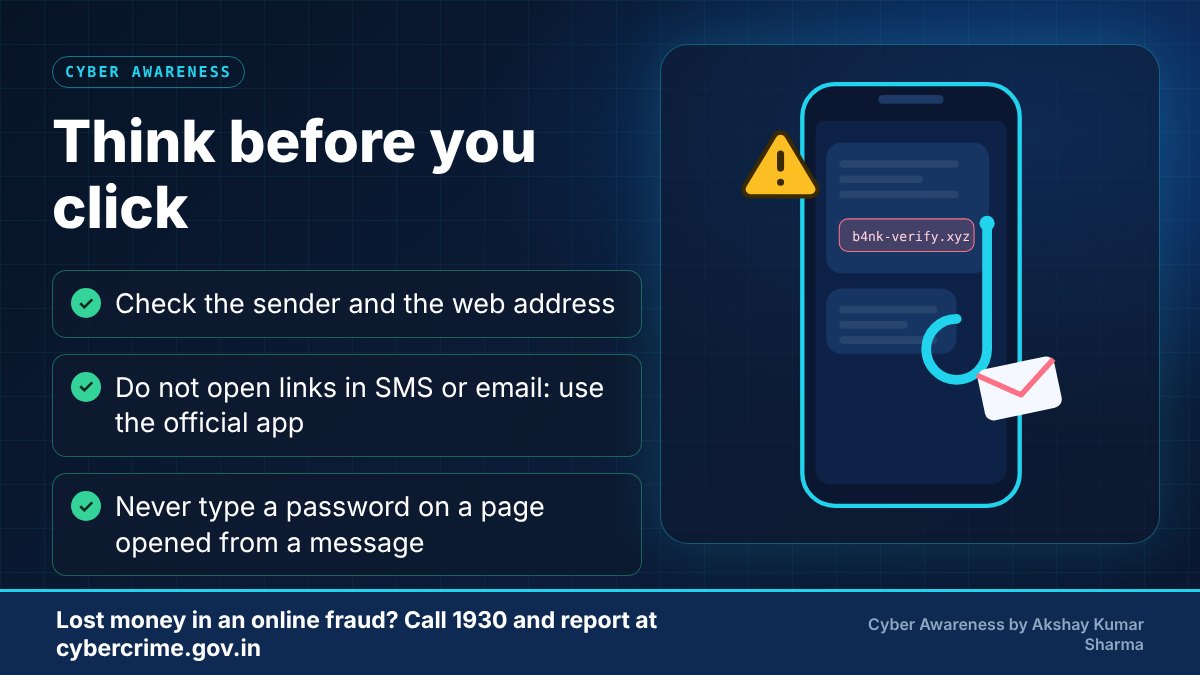
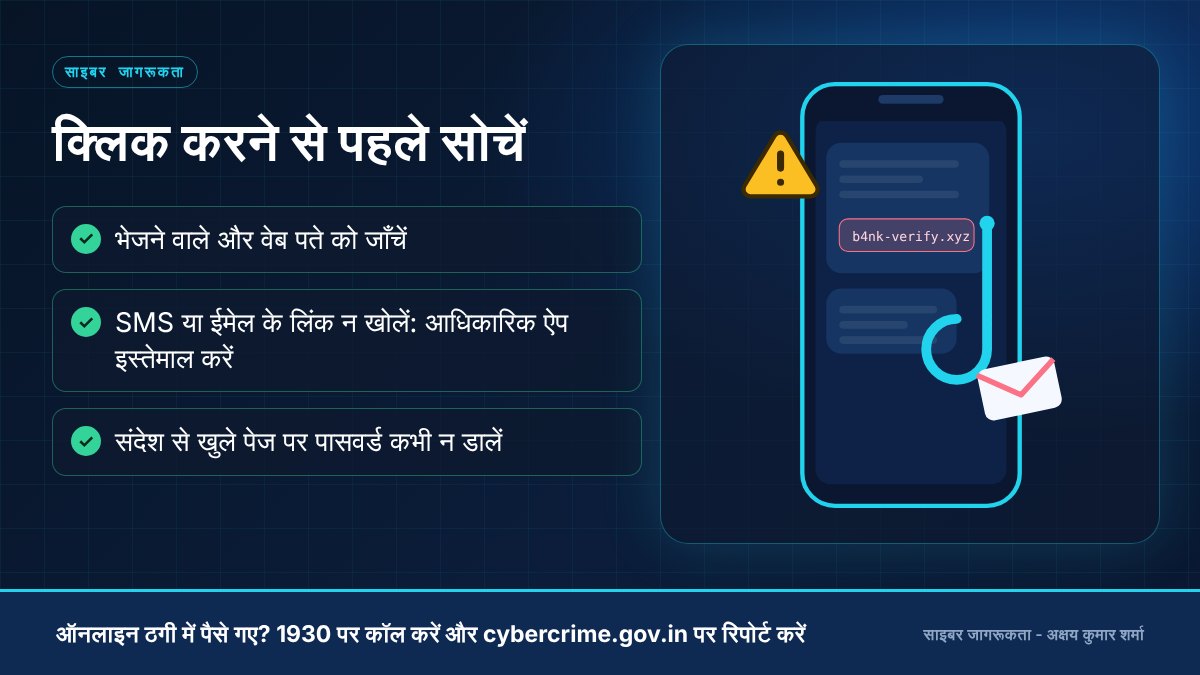
Common warning signsआम चेतावनी के संकेत
- Urgent or threatening language: 'Your account will be blocked today', 'Last warning'.
- The sender address or website address is slightly different from the real one (extra letters, odd domain endings).
- A link or attachment you were not expecting, especially from an unknown number or address.
- Requests for passwords, OTP, card details or KYC updates through a link.
- Poor spelling, strange formatting, or a login page reached from a message instead of by typing the official address.
- जल्दबाज़ी या डराने वाली भाषा: 'आपका खाता आज ही बंद हो जाएगा', 'आख़िरी चेतावनी'।
- भेजने वाले का पता या वेबसाइट का पता असली से थोड़ा अलग होता है (अक्षर बदले हुए, अजीब डोमेन)।
- बिना माँगे आया कोई लिंक या अटैचमेंट, ख़ासकर अनजान नंबर या पते से।
- लिंक के ज़रिए पासवर्ड, OTP, कार्ड विवरण या KYC अपडेट माँगना।
- वर्तनी की गलतियाँ, अजीब बनावट, या संदेश से खुला लॉगिन पेज।
Practical prevention tipsबचाव के व्यावहारिक सुझाव
- Do not click links in unexpected messages. Open the official app or type the official website address yourself.
- Check the full web address before entering any login. Look for small spelling changes.
- Turn on two-factor authentication on important accounts.
- Keep your phone, browser and security software updated.
- When in doubt, contact the organisation using the number printed on its official website or your card, not the number in the message.
- अनचाहे संदेशों के लिंक पर क्लिक न करें। आधिकारिक ऐप खोलें या वेबसाइट का पता खुद टाइप करें।
- कोई भी जानकारी भरने से पहले पूरा वेब पता ध्यान से जाँचें।
- ज़रूरी खातों पर टू-फ़ैक्टर ऑथेंटिकेशन चालू रखें।
- फ़ोन, ब्राउज़र और सिक्योरिटी सॉफ़्टवेयर अपडेट रखें।
- संदेह हो तो संस्था की आधिकारिक वेबसाइट या कार्ड पर छपे नंबर पर संपर्क करें, संदेश में दिए नंबर पर नहीं।
-
Click the link in an 'account blocked' SMS'खाता बंद होगा' वाले SMS का लिंक खोलनाOpen your bank's official app directlyबैंक का आधिकारिक ऐप सीधे खोलना
-
Trust a site only because it shows a padlockसिर्फ़ ताले का निशान देखकर साइट पर भरोसा करनाRead the full web address carefullyपूरा वेब पता ध्यान से पढ़ना
-
Open attachments you did not expectबिना अपेक्षा वाली अटैचमेंट खोलनाConfirm with the sender on a number you already knowभेजने वाले से पहले से जाने हुए नंबर पर पुष्टि करना
-
Enter your password on a page opened from a messageसंदेश से खुले पेज पर पासवर्ड डालनाType the address yourself or use your bookmarkपता खुद टाइप करना या बुकमार्क इस्तेमाल करना
What to do if it happensऐसा हो जाए तो क्या करें
- If you only clicked the link, close the page, do not enter anything, and run a security scan on your device.
- If you entered a password, change it immediately on the real website and on any other site where you reused it.
- If you shared banking or card details, contact your bank at once and then follow the fraud steps below.
- Call the cyber crime helpline 1930 immediately - reporting quickly gives the best chance of stopping the transfer.
- Also file a complaint on the National Cyber Crime Reporting Portal (cybercrime.gov.in).
- Inform your bank or payment app right away and ask them to block the card, account or UPI ID involved.
- Keep screenshots, transaction IDs, phone numbers, UPI IDs and chat history. Do not delete anything.
- Change passwords of affected accounts and do not share OTPs or PINs with anyone who calls you afterwards offering to 'recover' your money.
- यदि सिर्फ़ लिंक खोला है, तो पेज बंद करें, कुछ भी न भरें और डिवाइस का सिक्योरिटी स्कैन चलाएँ।
- यदि पासवर्ड डाल दिया है, तो असली वेबसाइट पर तुरंत बदलें और जहाँ-जहाँ वही पासवर्ड इस्तेमाल किया है वहाँ भी बदलें।
- यदि बैंकिंग या कार्ड जानकारी दी है, तो तुरंत बैंक से संपर्क करें और नीचे दिए गए चरण अपनाएँ।
- तुरंत साइबर अपराध हेल्पलाइन 1930 पर कॉल करें - जल्दी रिपोर्ट करने से पैसा रोके जाने की संभावना बेहतर होती है।
- राष्ट्रीय साइबर अपराध रिपोर्टिंग पोर्टल (cybercrime.gov.in) पर भी शिकायत दर्ज करें।
- अपने बैंक या पेमेंट ऐप को तुरंत सूचित करें और संबंधित कार्ड, खाता या UPI ID ब्लॉक करवाएँ।
- स्क्रीनशॉट, ट्रांज़ैक्शन ID, फ़ोन नंबर, UPI ID और चैट सुरक्षित रखें। कुछ भी डिलीट न करें।
- प्रभावित खातों के पासवर्ड बदलें, और बाद में पैसे 'वापस दिलाने' का दावा करने वाले किसी भी व्यक्ति को OTP या PIN न दें।
Official reporting resourcesआधिकारिक रिपोर्टिंग संसाधन
- National Cyber Crime Reporting Portal (cybercrime.gov.in)राष्ट्रीय साइबर अपराध रिपोर्टिंग पोर्टल (cybercrime.gov.in) (opens in a new tab)
- Cyber crime helpline 1930 (for financial cyber fraud)साइबर अपराध हेल्पलाइन 1930 (वित्तीय साइबर ठगी के लिए)
- Sanchar Saathi - report suspected fraud calls/messages (Chakshu)संचार साथी - संदिग्ध धोखाधड़ी कॉल/संदेश की रिपोर्ट (चक्षु) (opens in a new tab)
- CERT-In (Indian Computer Emergency Response Team)CERT-In (भारतीय कंप्यूटर आपातकालीन प्रतिक्रिया दल) (opens in a new tab)
Related educational articlesसंबंधित शैक्षिक लेख
OTP and Social EngineeringOTP और सोशल इंजीनियरिंग
Read guideगाइड पढ़ेंUPI and Payment Fraud AwarenessUPI और पेमेंट धोखाधड़ी जागरूकता
Read guideगाइड पढ़ेंPassword and Account Securityपासवर्ड और अकाउंट सुरक्षा
Read guideगाइड पढ़ेंThis website is an educational resource. It is not an official government reporting portal or an emergency response service. If you are a victim of cyber fraud, report it through the official channels listed on each page.यह वेबसाइट केवल शैक्षिक जानकारी के लिए है। यह कोई सरकारी रिपोर्टिंग पोर्टल या आपातकालीन सेवा नहीं है। यदि आप साइबर ठगी का शिकार हुए हैं, तो हर पेज पर दिए गए आधिकारिक माध्यमों से रिपोर्ट करें।