Download this guide with its diagrams as a PDF.इस गाइड को चित्रों सहित PDF में डाउनलोड करें।
What it isयह क्या है
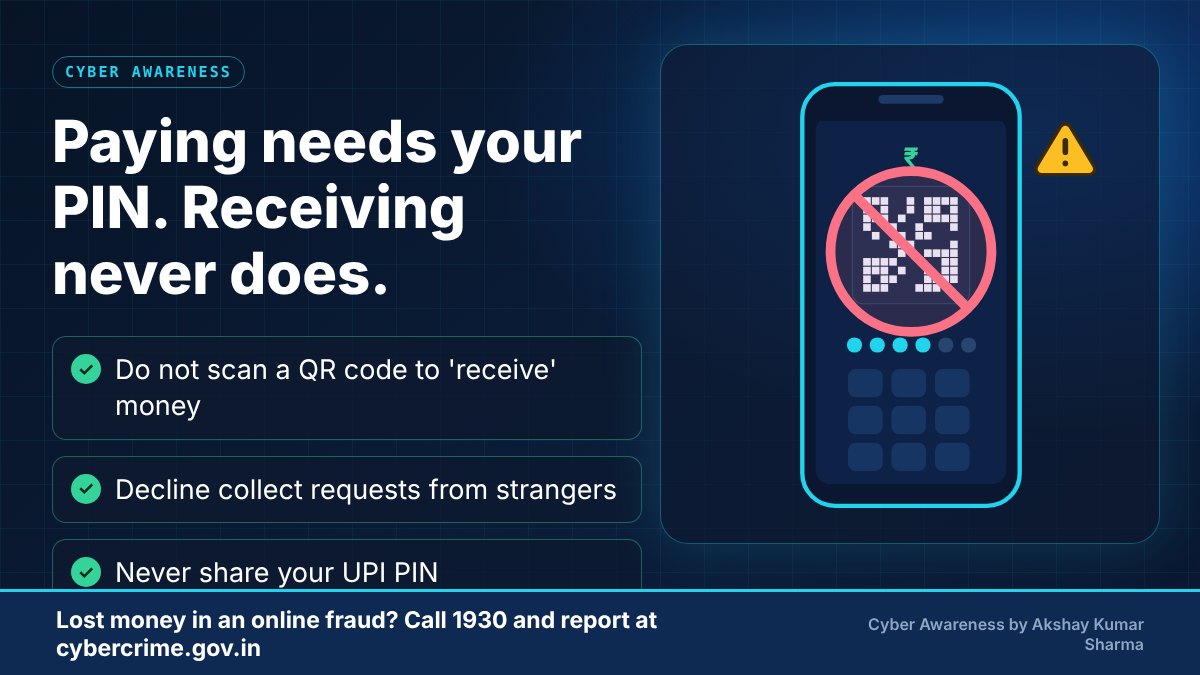
UPI makes payments fast, which is also why fraudsters like it. A key rule: you enter your UPI PIN only to send money. You never need your PIN to receive money. Scammers rely on confusing people about this, using fake payment requests, QR codes, fake customer-care numbers and 'refund' stories.
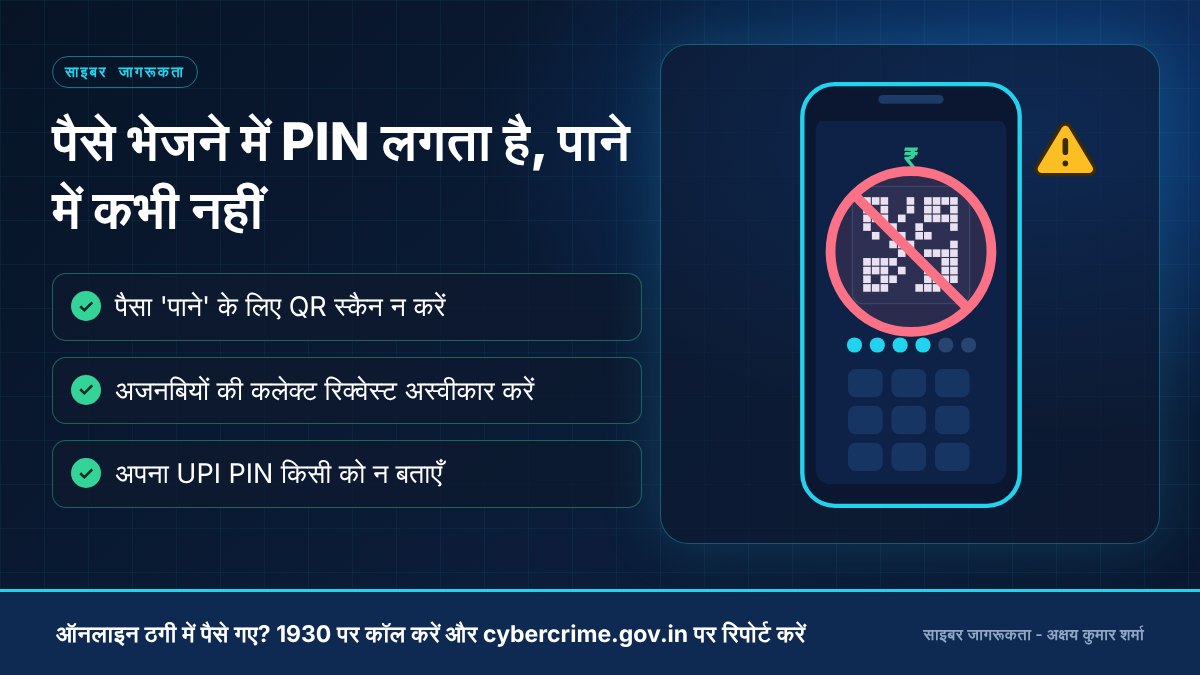
UPI से भुगतान तेज़ होता है, इसीलिए ठग भी इसका फ़ायदा उठाते हैं। एक ज़रूरी नियम: UPI PIN सिर्फ़ पैसे भेजते समय डाला जाता है। पैसे पाने के लिए PIN की कभी ज़रूरत नहीं होती। ठग इसी भ्रम का फ़ायदा नकली रिक्वेस्ट, QR कोड, फ़र्ज़ी कस्टमर केयर और 'रिफ़ंड' की कहानियों से उठाते हैं।
-
A stranger calls, messages or sends a QR code / collect requestकोई अजनबी कॉल, संदेश, QR कोड या कलेक्ट रिक्वेस्ट भेजता है
-
Claims you will receive money, a refund or a prizeदावा करता है कि आपको पैसा, रिफंड या इनाम मिलेगाStop hereयहीं रोकें: Receiving money never needs your PIN or a scan.पैसा पाने के लिए PIN या स्कैन की ज़रूरत नहीं होती।
-
Asks you to scan, approve or enter your UPI PINस्कैन करने, मंज़ूर करने या UPI PIN डालने को कहता हैStop hereयहीं रोकें: Decline unknown collect requests. Never enter your PIN to 'receive'.अनजान कलेक्ट रिक्वेस्ट अस्वीकार करें। 'पाने' के लिए PIN कभी न डालें।
-
Money leaves your accountआपके खाते से पैसा निकल जाता हैStop hereयहीं रोकें: Call 1930 at once and report at cybercrime.gov.in.तुरंत 1930 पर कॉल करें और cybercrime.gov.in पर रिपोर्ट करें।
Common warning signsआम चेतावनी के संकेत
- Someone asks you to scan a QR code or enter your PIN 'to receive' money or a refund.
- A 'collect request' appears from an unknown person, or a buyer insists on sending a request instead of paying normally.
- A caller claims to be from your bank, a delivery service or a wallet and asks you to install a screen-sharing app.
- Customer-care numbers found through search results or social media rather than the official app or website.
- Pressure to act immediately, or an offer that is too good to be true.
- कोई कहे कि पैसे या रिफ़ंड 'पाने' के लिए QR स्कैन करें या PIN डालें।
- अनजान व्यक्ति की ओर से 'कलेक्ट रिक्वेस्ट' आना, या खरीदार का सामान्य भुगतान की जगह रिक्वेस्ट भेजने पर अड़ना।
- बैंक, डिलीवरी सेवा या वॉलेट का बताकर कोई कॉल करे और स्क्रीन-शेयरिंग ऐप इंस्टॉल करने को कहे।
- सर्च रिज़ल्ट या सोशल मीडिया से मिला कस्टमर केयर नंबर, आधिकारिक ऐप या वेबसाइट का नहीं।
- तुरंत कार्रवाई का दबाव, या ऐसा ऑफ़र जो सच होने के लिए बहुत अच्छा लगे।
Practical prevention tipsबचाव के व्यावहारिक सुझाव
- Never enter your UPI PIN to receive money. If a screen asks for your PIN, you are sending money.
- Read every payment request carefully and decline requests you did not expect.
- Never install remote-access or screen-sharing apps at someone else's request.
- Get customer-care numbers only from the official app, website or your card.
- Set sensible transaction limits and enable app lock and payment alerts.
- पैसे पाने के लिए कभी UPI PIN न डालें। अगर स्क्रीन PIN माँग रही है, तो आप पैसे भेज रहे हैं।
- हर पेमेंट रिक्वेस्ट ध्यान से पढ़ें और अनचाही रिक्वेस्ट अस्वीकार करें।
- किसी के कहने पर रिमोट-एक्सेस या स्क्रीन-शेयरिंग ऐप इंस्टॉल न करें।
- कस्टमर केयर नंबर केवल आधिकारिक ऐप, वेबसाइट या कार्ड से लें।
- ट्रांज़ैक्शन लिमिट सही रखें, ऐप लॉक और पेमेंट अलर्ट चालू रखें।
-
Scan a QR code to 'receive' moneyपैसा 'पाने' के लिए QR स्कैन करनाRemember: PIN and scanning are only for payingयाद रखें: PIN और स्कैन सिर्फ़ पैसा भेजने के लिए हैं
-
Approve a collect request you did not expectबिना अपेक्षा वाली कलेक्ट रिक्वेस्ट मंज़ूर करनाDecline it and report the UPI IDउसे अस्वीकार करें और UPI ID की रिपोर्ट करें
-
Call a 'customer care' number found through a searchसर्च में मिले 'कस्टमर केयर' नंबर पर कॉल करनाUse the help section inside the official appआधिकारिक ऐप के अंदर का हेल्प सेक्शन इस्तेमाल करना
-
Install a screen-sharing app when 'support' asks'सपोर्ट' के कहने पर स्क्रीन-शेयरिंग ऐप इंस्टॉल करनाRefuse. Real support does not need remote access to your phoneमना करें। असली सपोर्ट को आपके फ़ोन का रिमोट एक्सेस नहीं चाहिए
What to do if it happensऐसा हो जाए तो क्या करें
- Call the cyber crime helpline 1930 immediately - reporting quickly gives the best chance of stopping the transfer.
- Also file a complaint on the National Cyber Crime Reporting Portal (cybercrime.gov.in).
- Inform your bank or payment app right away and ask them to block the card, account or UPI ID involved.
- Keep screenshots, transaction IDs, phone numbers, UPI IDs and chat history. Do not delete anything.
- Change passwords of affected accounts and do not share OTPs or PINs with anyone who calls you afterwards offering to 'recover' your money.
- तुरंत साइबर अपराध हेल्पलाइन 1930 पर कॉल करें - जल्दी रिपोर्ट करने से पैसा रोके जाने की संभावना बेहतर होती है।
- राष्ट्रीय साइबर अपराध रिपोर्टिंग पोर्टल (cybercrime.gov.in) पर भी शिकायत दर्ज करें।
- अपने बैंक या पेमेंट ऐप को तुरंत सूचित करें और संबंधित कार्ड, खाता या UPI ID ब्लॉक करवाएँ।
- स्क्रीनशॉट, ट्रांज़ैक्शन ID, फ़ोन नंबर, UPI ID और चैट सुरक्षित रखें। कुछ भी डिलीट न करें।
- प्रभावित खातों के पासवर्ड बदलें, और बाद में पैसे 'वापस दिलाने' का दावा करने वाले किसी भी व्यक्ति को OTP या PIN न दें।
Official reporting resourcesआधिकारिक रिपोर्टिंग संसाधन
- Cyber crime helpline 1930 (for financial cyber fraud)साइबर अपराध हेल्पलाइन 1930 (वित्तीय साइबर ठगी के लिए)
- National Cyber Crime Reporting Portal (cybercrime.gov.in)राष्ट्रीय साइबर अपराध रिपोर्टिंग पोर्टल (cybercrime.gov.in) (opens in a new tab)
- NPCI (UPI) - official informationNPCI (UPI) - आधिकारिक जानकारी (opens in a new tab)
- Reserve Bank of India - public awarenessभारतीय रिज़र्व बैंक - जन जागरूकता (opens in a new tab)
Related educational articlesसंबंधित शैक्षिक लेख
OTP and Social EngineeringOTP और सोशल इंजीनियरिंग
Read guideगाइड पढ़ेंOnline Job and Investment Scamsऑनलाइन नौकरी और निवेश ठगी
Read guideगाइड पढ़ेंPhishing and Fake Websitesफ़िशिंग और नकली वेबसाइट
Read guideगाइड पढ़ेंThis website is an educational resource. It is not an official government reporting portal or an emergency response service. If you are a victim of cyber fraud, report it through the official channels listed on each page.यह वेबसाइट केवल शैक्षिक जानकारी के लिए है। यह कोई सरकारी रिपोर्टिंग पोर्टल या आपातकालीन सेवा नहीं है। यदि आप साइबर ठगी का शिकार हुए हैं, तो हर पेज पर दिए गए आधिकारिक माध्यमों से रिपोर्ट करें।